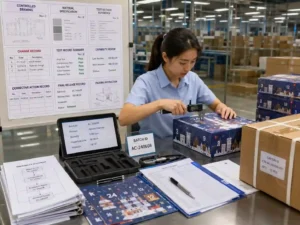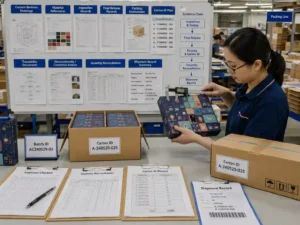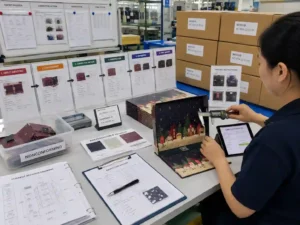
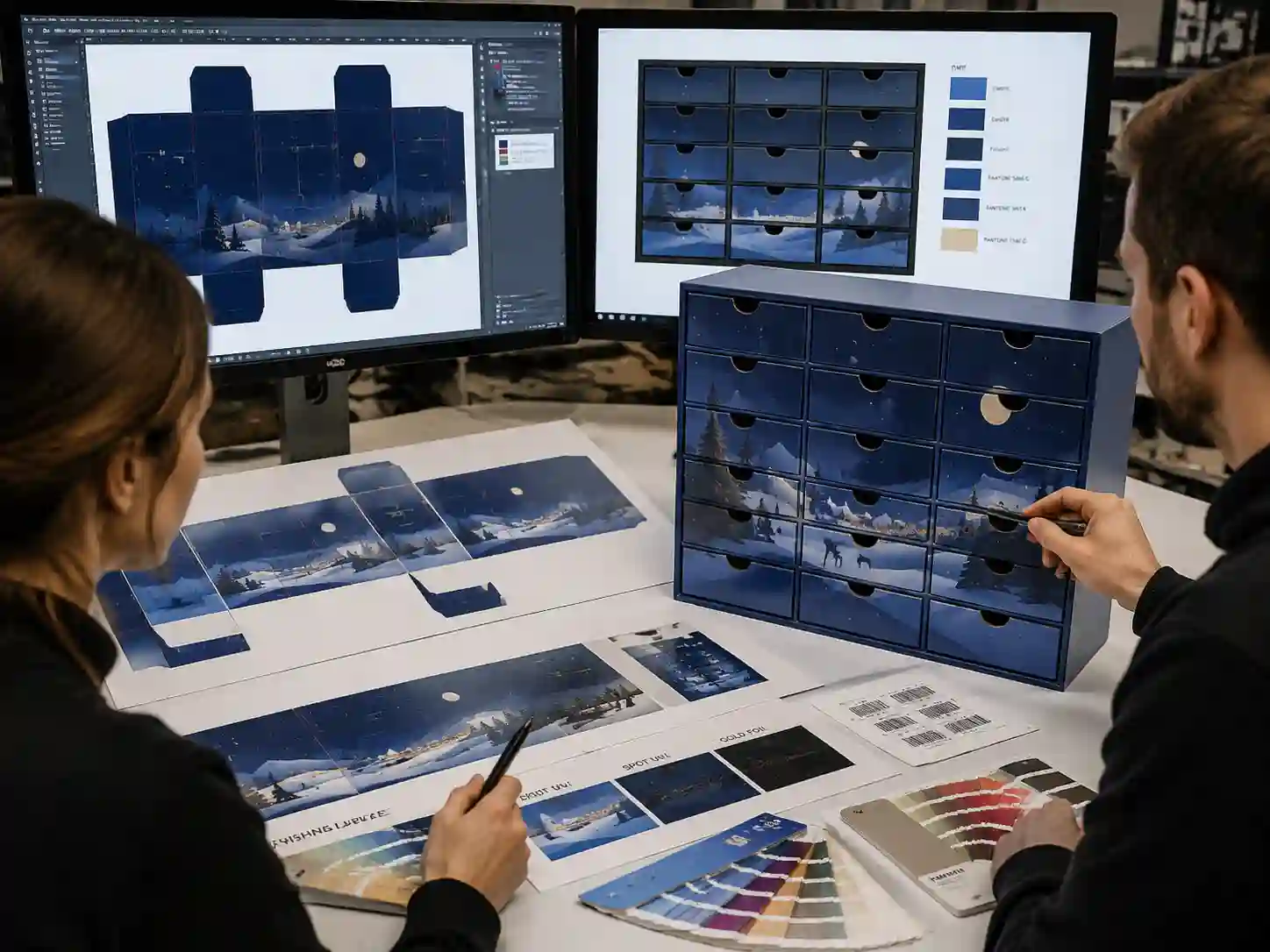
Continuous graphics across multiple drawers require the artwork, dielines, drawer spacing, and production tolerances to be controlled together. The most reliable approach is to build the graphic system from the structural layout first, then validate printed samples before production release. Continuous graphics drawer alignment depends on accurate panel mapping, controlled artwork layers, and inspection records that confirm the final drawer positions match the approved design.
Why is continuous graphics drawer alignment difficult on multi-drawer calendars?
Continuous graphics drawer alignment is difficult because the visible artwork crosses separate moving components rather than one fixed printed surface. Small differences in drawer spacing, wrapping position, board thickness, or assembly alignment can interrupt patterns, images, or text continuity.
The main factors that affect alignment include:
- Dieline accuracy: artwork must follow the actual drawer front dimensions and structural boundaries.
- Material thickness: paper wrapping, lamination, and board construction can influence the final visible position.
- Assembly tolerance: multiple drawers may have small positional variations after folding and fitting.
- Artwork preparation: graphics need correct layers, bleed areas, and non-printing structural references.
How should artwork files be built for continuous drawer graphics?
The artwork should be created from an approved structural drawing rather than designing the graphics separately for each drawer. This allows the designer and prepress team to maintain one controlled visual system across all drawer faces.
Which artwork layers should be separated?
Production files should normally separate structural information from printed elements. A practical artwork setup may include:
| Layer | Purpose | Verification method |
|---|---|---|
| Dieline layer | Shows cutting, folding, and drawer boundaries | Compare against approved structural drawing |
| Graphic layer | Contains continuous images, patterns, and design elements | Check alignment across drawer positions |
| Safety area layer | Protects important graphics from tolerance movement | Review critical elements near edges |
| Finishing layer | Shows coating, foil, embossing, or special effects | Confirm finishing registration requirements |
For complex calendars, the production team should also confirm that barcode areas, multilingual copy, and mandatory information remain outside areas where drawer movement or tolerance could affect readability.
How do you check drawer positions before printing?
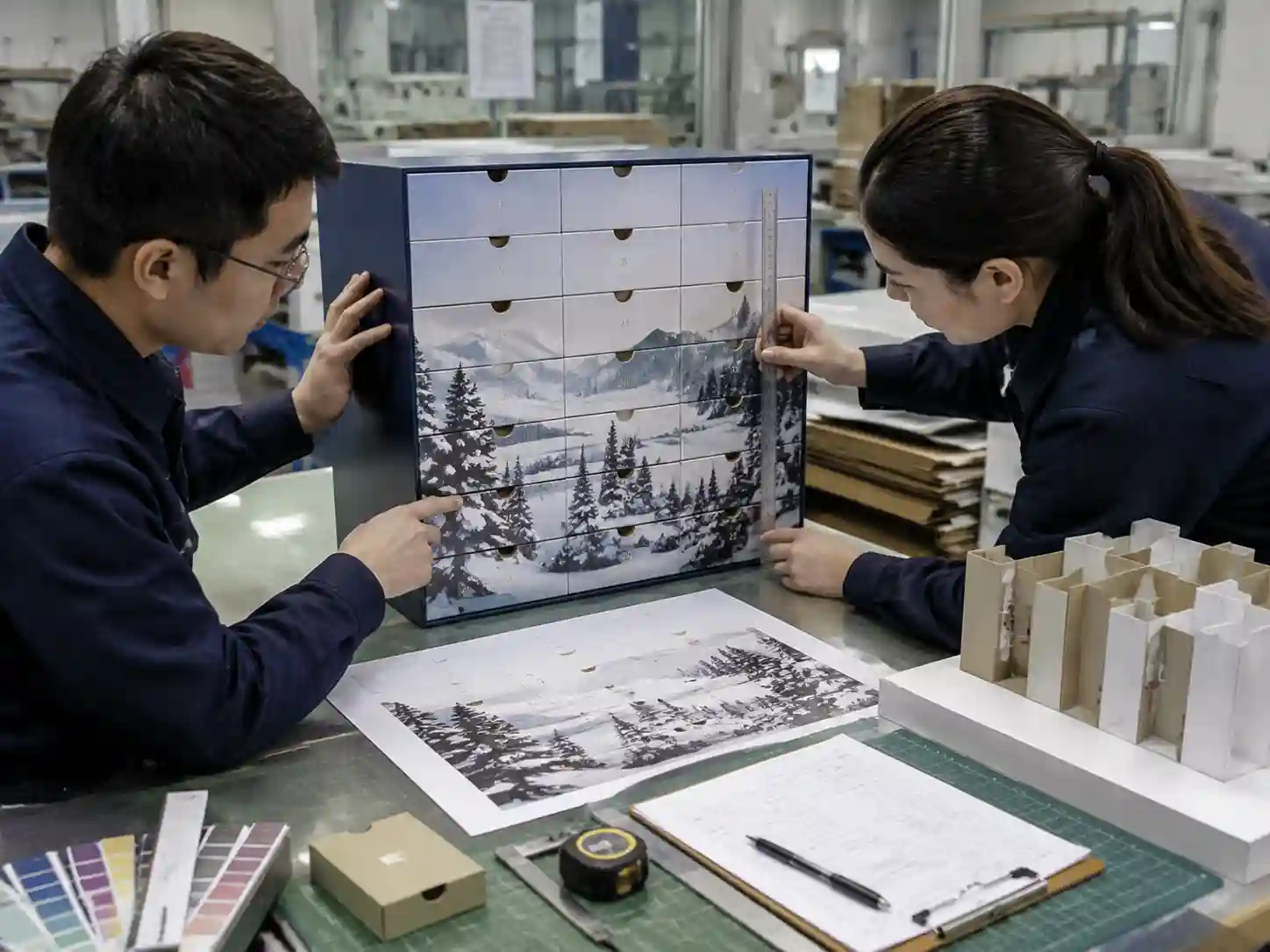
Drawer position checks should happen before final printing approval by comparing the structural layout with physical or digital validation samples. The goal is to confirm that the continuous graphic remains visually connected after assembly.
- Confirm the final drawer dimensions from the approved structural drawing.
- Place the artwork over the complete assembled layout, not individual drawer faces only.
- Review image breaks, pattern transitions, and alignment points between drawers.
- Mark critical areas where even small movement would be noticeable.
- Approve the corrected artwork version before production release.
Evidence may include annotated dielines, prepress review notes, printed proofs, and approval records showing which artwork version was released.
What tolerances should buyers consider for continuous graphics?
Tolerance planning depends on the structure, material combination, finishing process, and required visual precision. There is no single alignment allowance suitable for every drawer calendar design.
| Project factor | Possible impact | Recommended review |
|---|---|---|
| Number of drawers | More components create more alignment points | Review the complete assembled face |
| Graphic complexity | Large images show small movement more clearly | Identify critical visual areas |
| Surface finishing | Additional layers may affect registration | Confirm finishing alignment separately |
| Drawer movement | Opening and closing may change visual position | Check assembled samples |
Project-dependent recommendations should be based on the approved sample and production method rather than applying a general tolerance value to every design.
What is included in a preflight checklist for drawer graphic alignment?
A focused preflight review helps prevent artwork approval issues before production begins.
- ☐ Structural dieline matches the latest approved drawer layout.
- ☐ Continuous graphics are positioned using the assembled structure reference.
- ☐ Bleed and safe areas protect important visual elements.
- ☐ Barcode placement remains readable after drawer movement and finishing.
- ☐ Multilingual copy is not placed across high-risk alignment zones.
- ☐ Finishing layers are separated and checked for registration requirements.
- ☐ Final artwork version is identified in approval records.
How do suppliers verify continuous graphics during production?
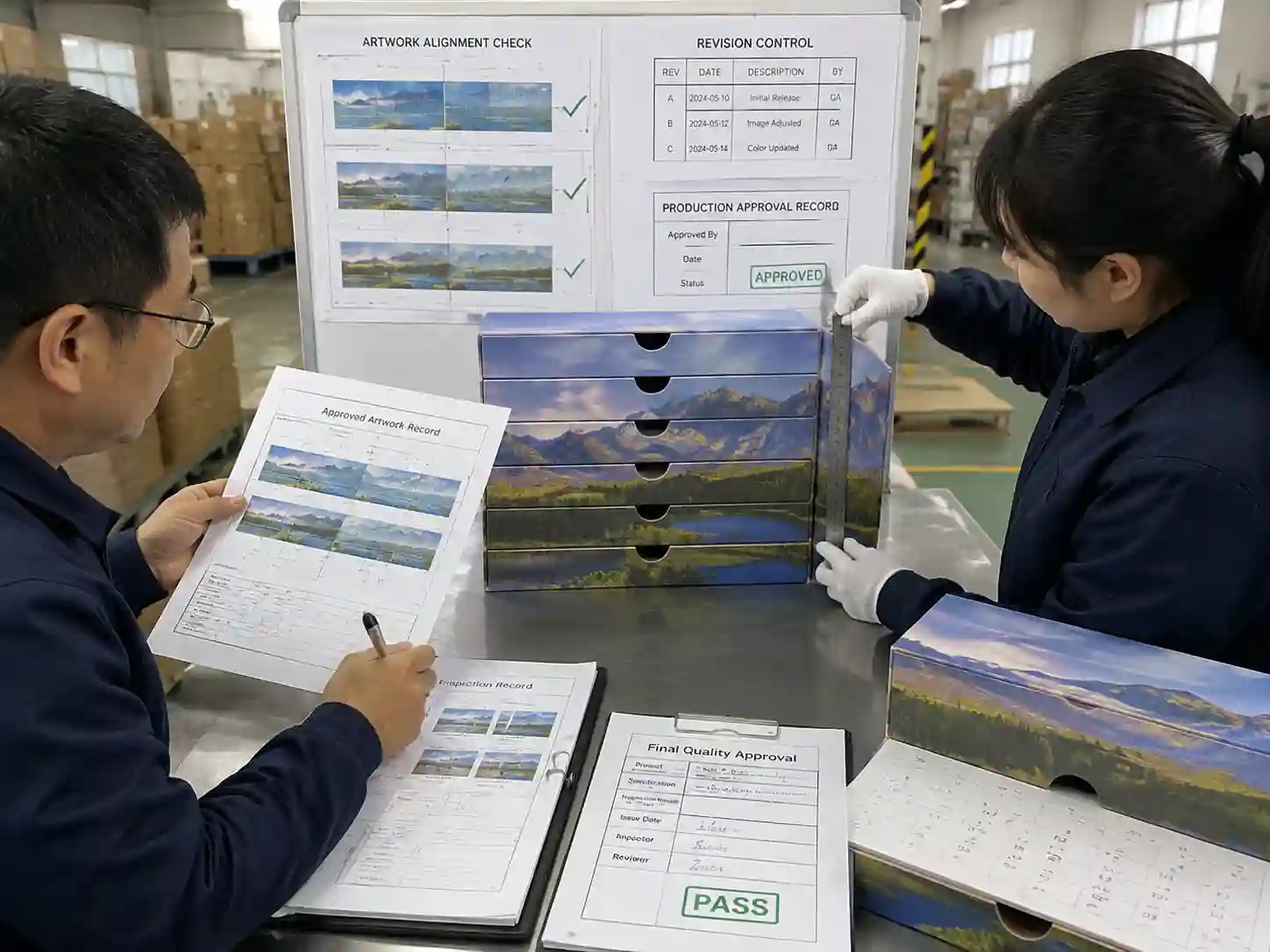
Verification should combine artwork records with physical inspection. A supplier can compare approved files, printed samples, and assembled units to confirm that the drawer system follows the released design.
Useful inspection evidence may include:
- Approved artwork files and revision history.
- Printed proof or sampling records.
- Assembly inspection notes.
- Measurement checks on drawer spacing and alignment points.
- Final approval documentation.
Giftpackpro applies structured artwork and production communication processes for custom seasonal paper packaging. These checks support projects such as custom advent calendar box services and help buyers manage visual consistency from artwork preparation through production.
What mistakes commonly cause drawer graphics to break?
The most common mistake is treating each drawer as an independent printed area instead of part of one assembled graphic system.
- Designing graphics before confirming the final dieline.
- Ignoring drawer spacing changes after wrapping or finishing.
- Using artwork files without structural reference layers.
- Approving flat proofs without checking the assembled appearance.
FAQs
Can continuous graphics be corrected after printing starts?
Major alignment issues are difficult to correct after printing because the graphic relationship is already fixed on the printed sheets. Early artwork review and sample validation are the preferred control points.
Should every drawer have its own artwork file?
For continuous graphics, a shared structural artwork layout is usually easier to control because it keeps the relationship between drawers visible during prepress review.
Who should approve drawer graphic alignment?
The final approval process depends on the project team, but brand, design, sourcing, and production stakeholders should confirm that the approved sample represents the intended appearance.
For projects requiring custom structural development and printed seasonal packaging, you can review custom advent calendar box products or request a custom quote for production discussion.