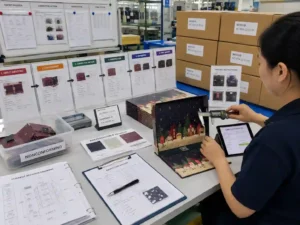
Quick answer: Artwork for 24 perforated doors should be built from an approved dieline that clearly defines each door position, cutting tolerance, perforation path, and surrounding safe area. Designers should separate structural lines, graphics, text, and finishing layers while checking color, barcodes, multilingual copy, and print-ready files before approval. The key is ensuring that every opening mechanism works visually and mechanically after printing, cutting, and folding.
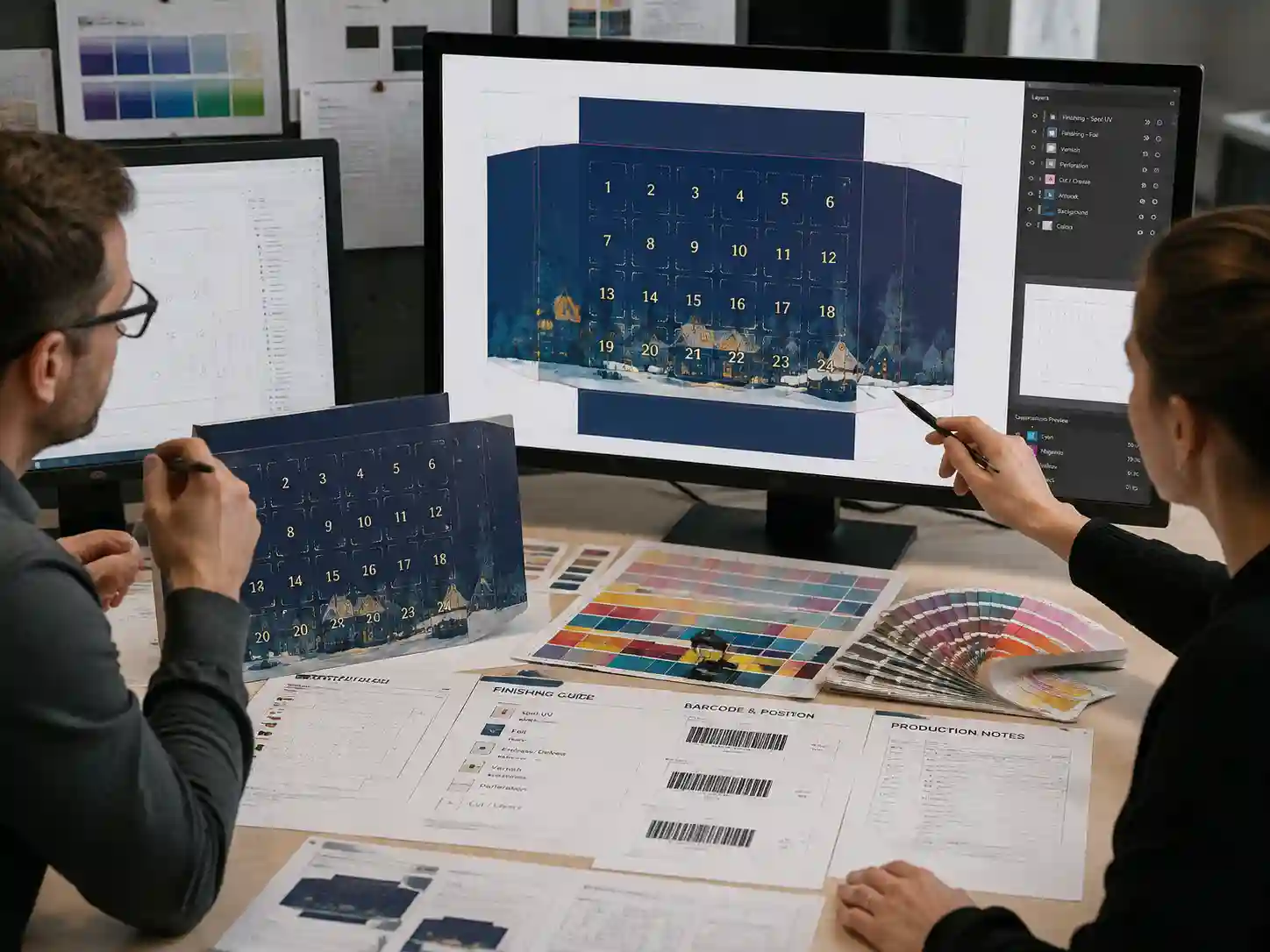
How should artwork layout for 24 perforated doors be structured?
The correct artwork layout for 24 perforated doors starts with the final packaging dieline, not a flat graphic design file. The dieline defines the exact location of each door, fold line, glue area, and perforation boundary so the artwork matches the physical structure.
Before placing graphics, designers should confirm:
- Door numbering sequence and opening direction.
- Perforation positions and tolerance zones.
- Panel orientation after folding and assembly.
- Areas where text, images, or finishing effects should not cross.
A common production risk is designing the front artwork as a simple 2D image without considering how panels move after conversion into a finished calendar box. Structural alignment should be reviewed using the dieline and physical sample together.
Which artwork layers are needed for a perforated door packaging file?
A production-ready file should separate different information layers so the printing and finishing teams can identify every requirement clearly. Layer organization reduces mistakes during prepress checking.
| Artwork layer | Purpose | Verification method |
|---|---|---|
| Structural dieline | Shows cut lines, folds, and perforated doors | Compare with approved engineering drawing or sample |
| Artwork graphics | Contains images, patterns, backgrounds, and illustrations | Review against approved design files |
| Text and copy | Controls numbers, instructions, warnings, and multilingual content | Check spelling, placement, and readability |
| Finishing layers | Defines foil, embossing, spot UV, or special effects | Match finishing specifications and proof samples |
Keeping these elements separate allows prepress teams to identify whether an issue comes from artwork, structure, or finishing instructions.
How much safe area is needed around perforated doors?
Safe areas should protect important design elements from shifting caused by cutting and perforation tolerances. The exact allowance depends on the material, door size, structural design, and production method.
Important elements such as door numbers, product names, legal information, and barcode areas should be positioned away from perforation lines unless the design intentionally uses edge placement.
| Artwork element | Risk near perforation | Recommended review point |
|---|---|---|
| Small text | May become difficult to read if alignment shifts | Check distance from perforation and cutting edges |
| Door numbers | May appear uneven after conversion | Confirm numbering sequence with dieline |
| Background graphics | May show visible misalignment | Review printed sample or proof |
| Barcode areas | Scanning performance may be affected | Verify placement and contrast |
How should color control be handled for 24-door calendar artwork?
Color control should be managed through approved references rather than screen appearance alone. Packaging artwork should include defined CMYK values, Pantone references where required, and clear finishing instructions.
Practical checks include:
- Confirming whether colors are process CMYK or spot colors.
- Reviewing how coatings or laminations may affect appearance.
- Comparing printed proofs with approved color references.
- Checking whether small text and fine lines maintain sufficient contrast.
Paper type, surface treatment, and finishing methods can influence final appearance, so buyer approval should be based on production evidence rather than digital preview only.
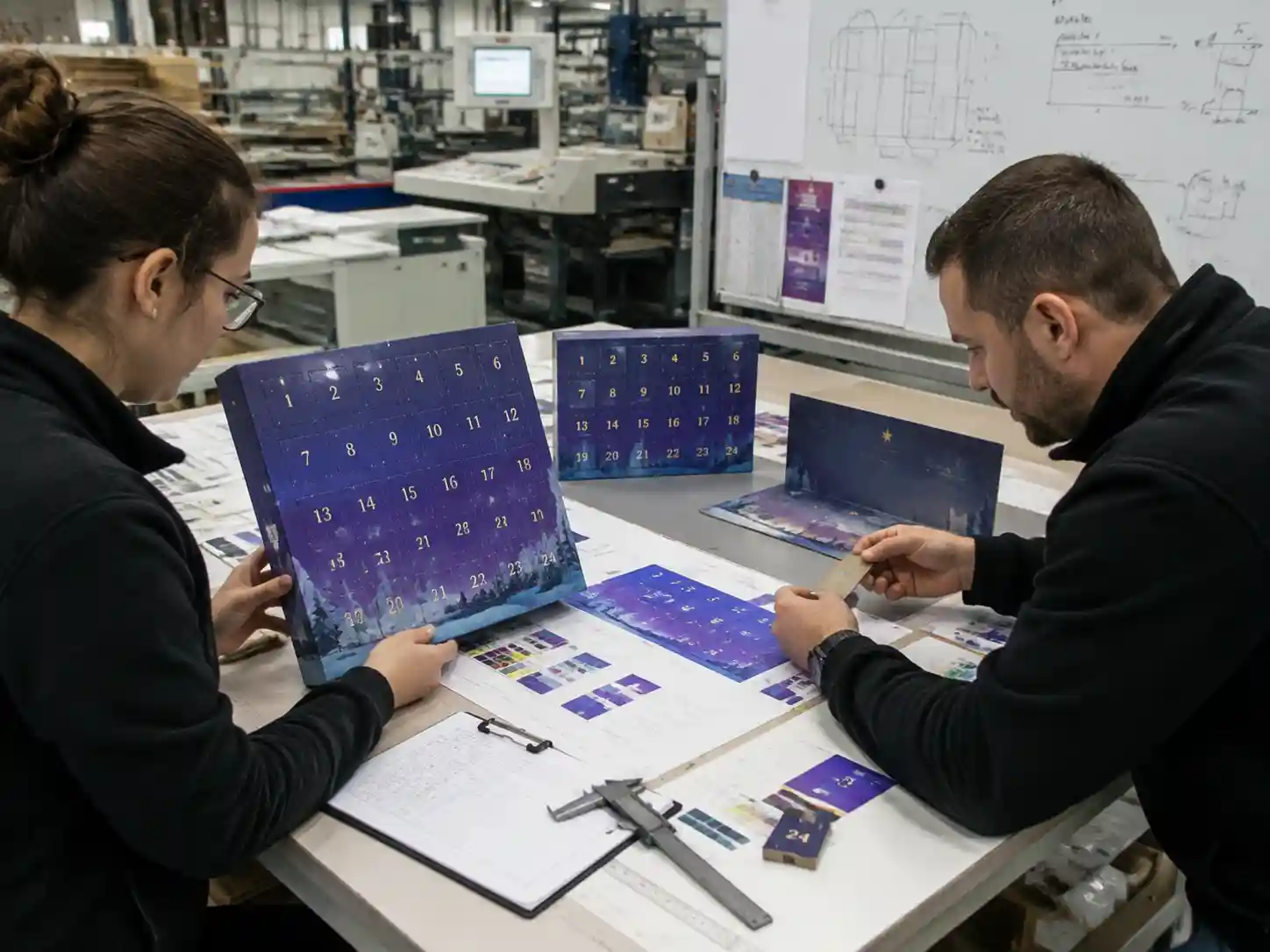
How should barcodes and multilingual copy be prepared?
Barcodes and multilingual copy require dedicated preflight checks because small errors can create retail or compliance problems after production.
- Confirm barcode size, contrast, and quiet zones.
- Verify all language versions and character accuracy.
- Check text direction when multiple scripts are included.
- Ensure regulatory or product information is placed on the correct panel.
For 24-door calendars, the opening sequence can create additional placement challenges because each door has limited available space. Copy should be reviewed against the final structural layout, not only the graphic artwork.
What preflight checklist should be completed before artwork approval?
A final preflight review confirms that the artwork file is technically ready for printing and matches the approved packaging structure.
- ☐ Approved dieline version is used.
- ☐ Perforation lines match the latest engineering layout.
- ☐ Door numbering sequence has been checked.
- ☐ Text, translations, and product information are approved.
- ☐ Barcode placement and readability are verified.
- ☐ CMYK, Pantone, and finishing instructions are documented.
- ☐ Fonts are converted or packaged correctly.
- ☐ Linked images meet print-resolution requirements.
- ☐ Final PDF or production file matches approval records.
How do buyers approve artwork for a 24 perforated door calendar?
Buyer approval should combine digital artwork review, structural validation, and production evidence. The final approval should confirm both appearance and function.
An effective approval process usually includes:
- Reviewing the dieline-based artwork file.
- Checking a printed proof or physical sample when needed.
- Confirming color, finishing, and copy details.
- Recording approved versions to prevent uncontrolled artwork changes.
The exact approval method varies by project complexity, materials, finishing requirements, and retail requirements. However, maintaining clear artwork versions and approval records helps reduce production risk.

What artwork mistakes commonly affect perforated door calendars?
The most common mistakes are caused by treating the calendar as a flat print design instead of a converted packaging product.
- Artwork does not match the latest dieline.
- Important text is placed too close to perforation areas.
- Door numbering changes after artwork approval.
- Finishing layers are missing or unclear.
- Color expectations are based only on monitor previews.
Using structured artwork files, documented checks, and approval records helps packaging teams avoid corrections during production.
FAQs
Can the artwork be designed before the final dieline is available?
Early concepts can be created before the final dieline, but production artwork should be completed only after the structural layout is confirmed. Changes to door positions or folds can affect graphic placement.
Should perforation lines be visible in the final printed artwork?
Perforation marks are usually structural references rather than printed graphics. Their treatment depends on the design requirement and production specification.
Why is a physical sample useful for artwork approval?
A physical sample shows how graphics align after folding, cutting, and opening. It helps verify issues that may not be visible in a flat digital file.
For custom advent calendar packaging projects, Giftpackpro supports artwork preparation, structural coordination, and production file review through its custom advent calendar box services. Buyers can also explore advent calendar box buying guides or request a custom quote when preparing a new packaging project.