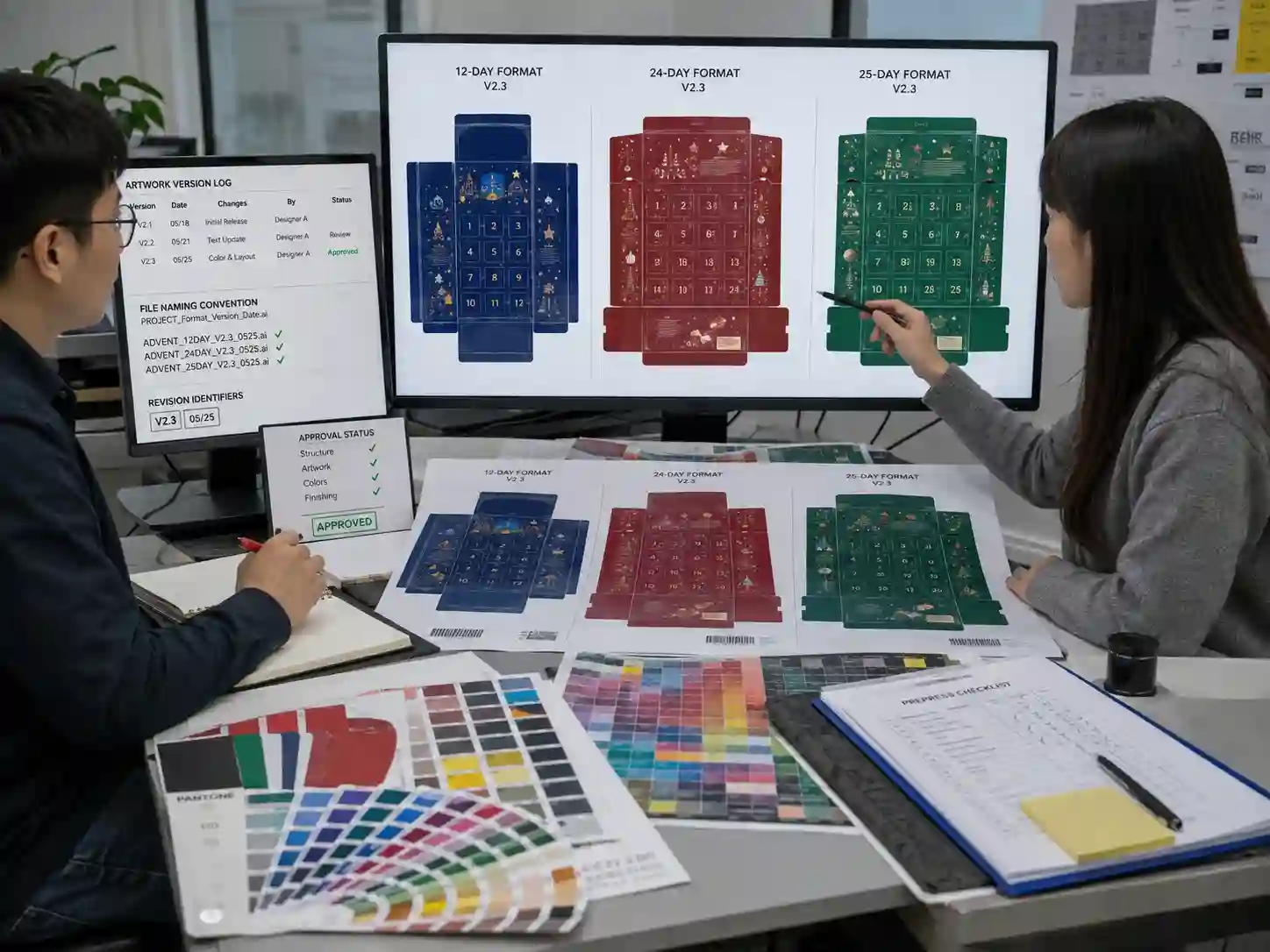
Quick answer: Effective artwork version control calendar formats prevents production errors when the same product family is offered in 12-, 24-, and 25-day advent calendar layouts. A controlled workflow separates structural dielines from shared graphics, tracks every revision with documented approvals, validates barcodes and multilingual content independently for each format, and verifies the final production files through preflight before printing. This reduces the risk of mixing artwork between similar but incompatible calendar configurations.
Why does artwork version control become difficult across 12-, 24-, and 25-day formats?
The challenge is that many design elements remain identical while structural layouts change. Branding, colors, legal information, and product imagery may be shared, but door numbering, compartment locations, fold positions, barcode placement, and safe areas often differ.
Without disciplined file management, an outdated dieline or incorrect panel arrangement can accidentally be paired with current graphics. These mistakes are often discovered only after printed samples or production sheets have been prepared.
The safest approach is to separate reusable artwork assets from format-specific production files while maintaining clear revision records.
How should artwork files be organized?
A structured folder hierarchy makes it easier for designers, prepress operators, and approval teams to identify the correct production files.
- Master brand assets
- 12-day production files
- 24-day production files
- 25-day production files
- Approved proofs
- Revision history
- Released print files
Each production file should include:
- Project identification
- Calendar format
- Language version (if applicable)
- Revision number
- Approval status
- Approval date
Consistent naming reduces the chance that similar artwork files are confused during production planning.
How do you separate shared artwork from format-specific content?
The most reliable workflow keeps common graphic assets independent from structural layouts. This allows updates to logos or branding without unintentionally changing production geometry.
| Artwork element | Usually shared | Usually format-specific |
|---|---|---|
| Brand logo | Yes | No |
| Product photography | Usually | Sometimes |
| Corporate colors | Yes | No |
| Dielines | No | Yes |
| Door numbering | No | Yes |
| Safe areas | No | Yes |
| Barcode position | Sometimes | Often |
| Opening sequence graphics | No | Yes |
| Multilingual text flow | Sometimes | Often |
This separation allows revisions to remain localized instead of requiring every artwork file to be rebuilt.
How should revision numbers be managed?
Every approved production file should have one identifiable revision record. Teams should avoid using informal file names such as “Final,” “Final 2,” or “Latest.”
A controlled revision record typically includes:
- Revision identifier
- Description of the change
- Person responsible
- Date issued
- Approval status
- Affected calendar format
Example approval record
| Revision | Change | Formats affected | Approval |
|---|---|---|---|
| A | Initial artwork release | 12 / 24 / 25 | Approved |
| B | Barcode relocated | 24 only | Approved |
| C | Multilingual copy updated | 25 only | Approved |
| D | Door numbering corrected | 12 only | Approved |
This documentation provides traceability during production and simplifies later investigations if discrepancies are found.
How do dielines and safe areas stay synchronized?
Every artwork revision should reference the matching approved structural drawing. Designers should never assume that different calendar formats share identical panel dimensions.
Verification normally includes:
- Current dieline revision matches artwork revision.
- Cut, crease, and perforation layers remain locked.
- Safe areas follow the approved structural drawing.
- Graphics do not cross moving doors unintentionally.
- Opening numbers align with compartment locations.
- Bleed extends correctly beyond trim lines.
Even small structural adjustments can change panel sizes enough to require artwork repositioning.
How are barcodes, multilingual copy, and color handled?
These elements often require independent verification because they may vary between regional product versions even when the structural format remains unchanged.
Typical production checks include:
- Barcode content matches the intended SKU.
- Quiet zones remain clear after finishing.
- Multilingual text matches the approved translation.
- Color references remain consistent with approved specifications.
- Overprint and knockout settings are reviewed.
- Spot colors and finishing layers remain correctly assigned.
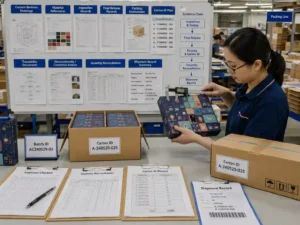
Each check should be documented before final print release.
What should the final preflight checklist include?
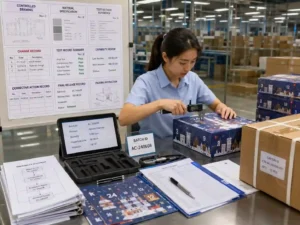
The final preflight verifies that approved artwork matches the correct production format before files are supplied for printing.
| Preflight item | Verification |
|---|---|
| Correct calendar format | 12 / 24 / 25 confirmed |
| Dieline revision | Matches approved drawing |
| Artwork revision | Latest approved version |
| Fonts | Embedded or outlined |
| Images | Linked correctly |
| Color spaces | Production specification verified |
| Barcode placement | Checked against layout |
| Layers | Finishing, varnish and dieline verified |
| Bleed | Complete on all panels |
| Approval record | Current revision documented |
Which items are facts, project decisions, and buyer approvals?
Verifiable production facts
- Dieline revision numbers.
- Artwork revision identifiers.
- Barcode verification records.
- Preflight reports.
- Color specifications.
- Approved production PDFs.
Project-dependent recommendations
- Folder organization.
- Revision naming convention.
- Approval workflow.
- Layer organization.
- Shared asset management.
Buyer approvals
- Final printed artwork proof.
- Door numbering.
- Multilingual copy.
- Barcode content.
- Packaging graphics.
- Final production release.
Frequently asked questions
Can one artwork file be used for all calendar formats?
Generally no. Shared graphics may be reused, but each structural format normally requires its own approved production artwork because panel geometry, numbering, and safe areas differ.
Should every format receive its own barcode verification?
Yes. Even if barcode content remains identical, placement, quiet zones, trimming, and surrounding graphics should be verified separately for each production layout.
How can suppliers demonstrate revision control?
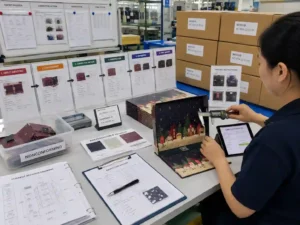
Useful evidence includes revision logs, approval records, controlled PDFs, preflight reports, sample inspection documents, and production release records that identify the exact artwork version used for printing.
When should artwork be frozen for production?
Artwork should only be released after structural drawings, multilingual content, color references, barcode verification, and preflight checks have all been approved for the specific calendar format.
For projects requiring multiple calendar sizes, structured artwork management reduces production risk and simplifies approvals. Giftpackpro supports coordinated artwork preparation alongside structural packaging development for custom seasonal packaging projects. Learn more through our custom advent calendar box services, browse our custom advent calendar box products, explore additional advent calendar box buying guides, or request a custom quote to discuss your project.