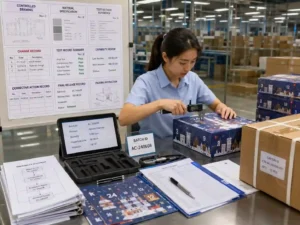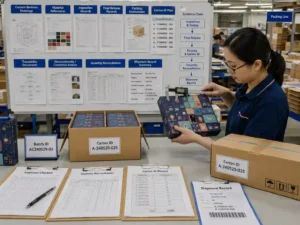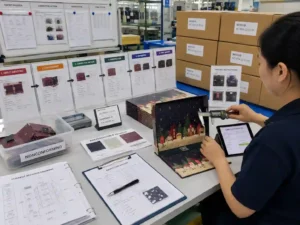
Small calendar panels require careful barcode and QR code preparation because limited print space increases the risk of scanning failures, poor contrast, or artwork conflicts. For barcode qr code small packaging applications, the process should begin with correct sizing, quiet zones, panel layout control, and preflight verification. The final artwork should be checked through digital review, physical samples, and production approval records before printing.
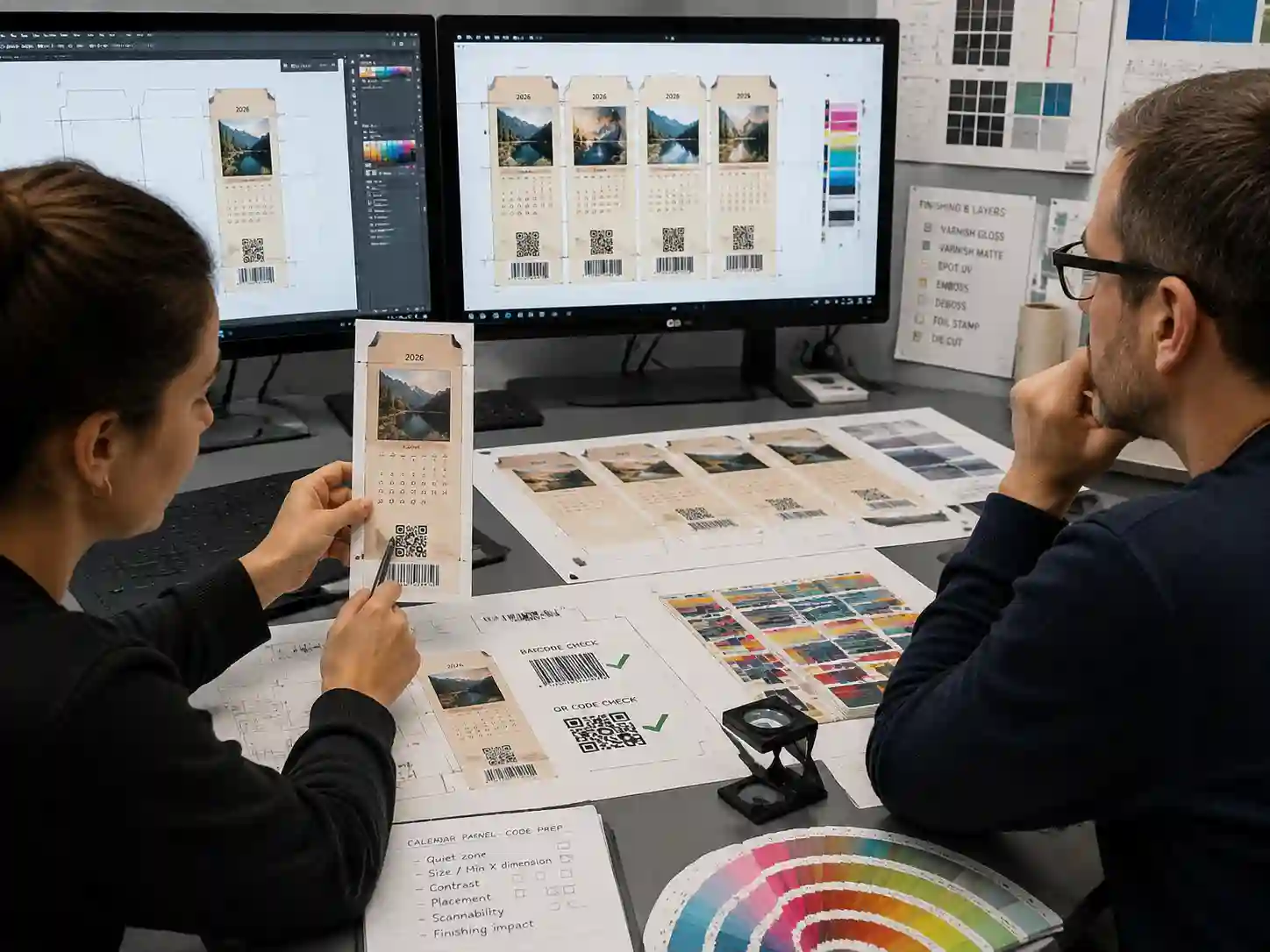
Why do small calendar panels need special barcode and QR code preparation?
Small calendar panels need special preparation because available print areas are limited and every element competes for space. A barcode or QR code must remain readable after printing, folding, cutting, coating, and handling.
Unlike large carton panels, advent calendar doors and small compartments may have narrow surfaces, curved visual areas, perforation lines, or nearby design elements. These conditions can affect code placement and scanning performance.
How should barcode and QR code placement be planned during artwork setup?
Barcode and QR code placement should be planned at the dieline stage, before final graphic design is completed. The code location should avoid folds, cut lines, perforations, adhesive areas, and high-risk finishing zones.
- Confirm the available flat panel area from the approved dieline.
- Reserve enough clear space around the code for scanning.
- Keep important codes away from structural features that may distort the printed surface.
- Record the intended placement in the artwork file and approval notes.
For custom advent calendar boxes, packaging designers and prepress teams should separate structural information from artwork layers so the code position can be reviewed independently from graphics and finishing instructions.
What artwork settings help barcode and QR code readability?
Barcode and QR code artwork should use production-ready vector files whenever possible, with sufficient contrast between the code and background. The exact size, color method, and tolerance depend on the code type, scanner requirements, printing process, and substrate.
| Item | Preparation Check | What May Vary |
|---|---|---|
| Code size | Confirm the code fits the available panel area without reducing required readability. | Minimum size depends on code type, scanner, and print conditions. |
| Quiet zone | Maintain clear space around the code without nearby graphics or borders. | Required space varies by barcode standard and artwork conditions. |
| Color contrast | Review the difference between code and background colors. | Dark-on-light combinations are commonly easier to verify, but final results depend on production. |
| Finishing area | Avoid placing codes where coatings, foil, embossing, or texture may interfere. | Effect depends on selected finishing method and material. |
How should prepress teams check barcode and QR code files before production?
Prepress teams should complete a barcode and QR code preflight before releasing files to production. The goal is to confirm that the approved artwork can be manufactured as intended, not only that the digital file looks correct on screen.
- Verify the code is on the correct artwork layer.
- Check that the code is not affected by dieline movement or panel revisions.
- Confirm surrounding text, multilingual copy, and legal information do not overlap the scanning area.
- Review color separation and ensure the code remains identifiable after printing.
- Save approval records showing the reviewed artwork version.
What physical checks should be completed on printed samples?
Physical sample checks should confirm that the printed code performs correctly on the actual packaging material. Digital artwork approval alone cannot show how paper surface, ink coverage, coating, or finishing may affect scanning.
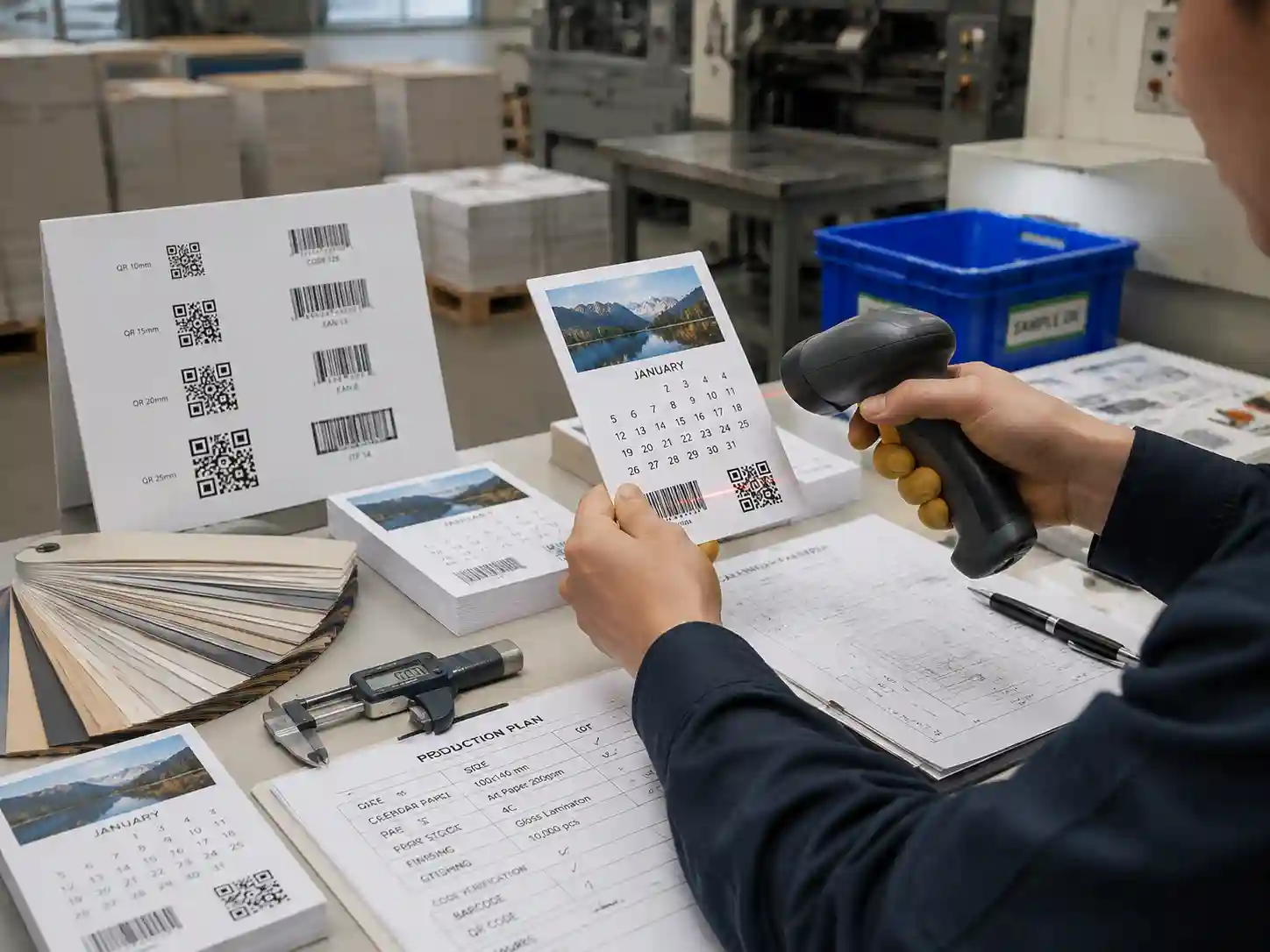
Typical verification evidence may include printed sample panels, scan results, measurement notes, and comparison records between approved artwork and production samples. The checking method depends on the customer’s requirements, retail system, barcode standard, and intended use.
How can suppliers reduce barcode risks during production?
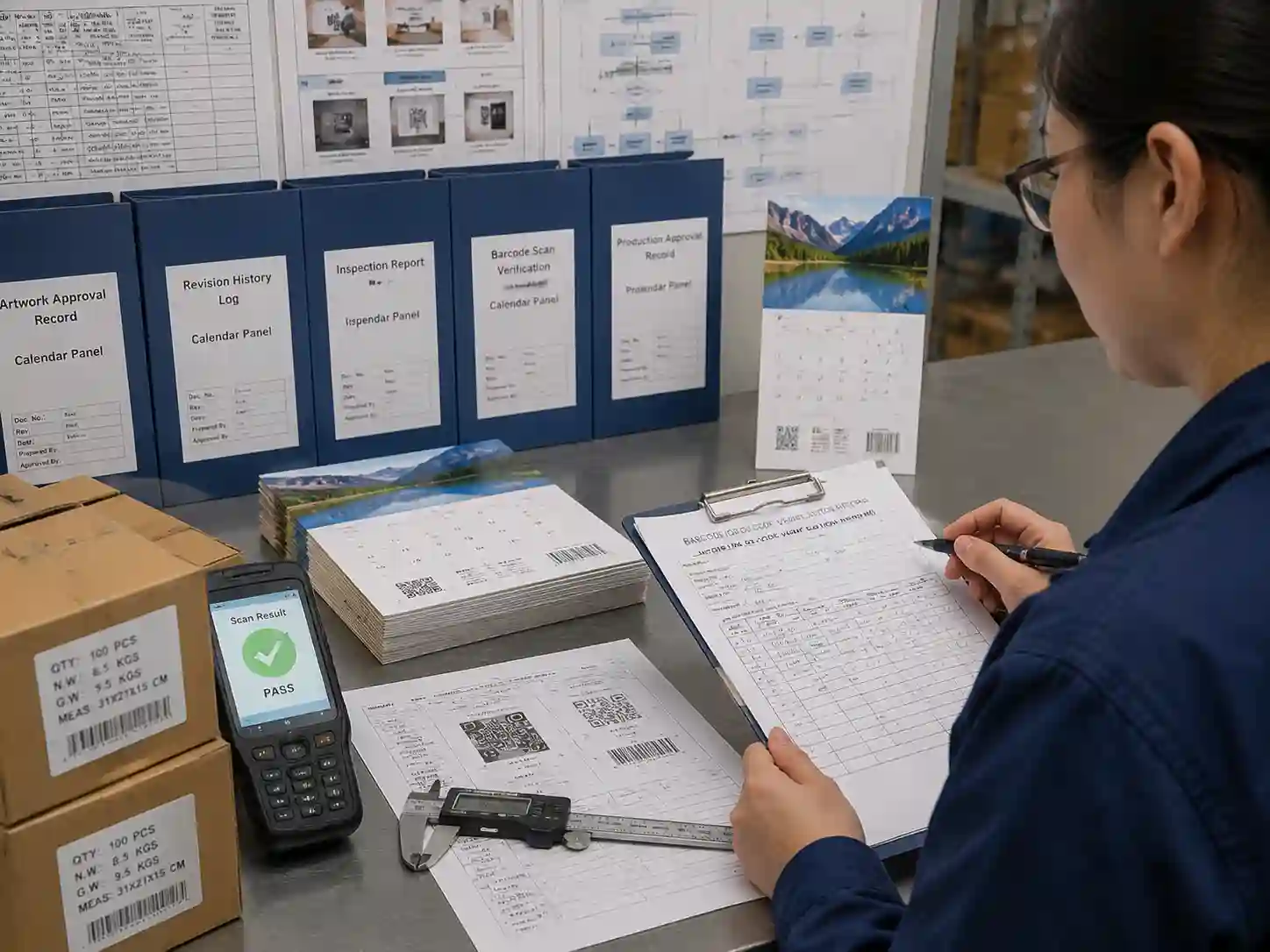
Suppliers can reduce barcode risks by controlling artwork revisions, maintaining clear production instructions, and linking approved files with physical sample verification.
A practical approval workflow includes:
- Artwork review: confirm code location, size, and surrounding safe areas.
- Preflight review: confirm layers, colors, and dieline compatibility.
- Sample verification: check printed results on the selected paper and finish.
- Production approval: retain records showing the accepted version.
What barcode and QR code preflight checklist should buyers review?
A structured checklist helps buyers confirm that barcode and QR code preparation is complete before production release.
- ☐ Approved dieline used for final artwork placement.
- ☐ Barcode or QR code layer separated and clearly identified.
- ☐ Quiet zone and surrounding clear space reviewed.
- ☐ Code placement checked against folds, cuts, and finishing areas.
- ☐ Printed sample or proof reviewed where required.
- ☐ Final approval record linked to the correct artwork revision.
Which barcode issues are most commonly found on small calendar panels?
The most common issues are reduced code size, insufficient contrast, placement too close to structural lines, and artwork changes made after barcode approval. These problems are often discovered when the final packaging is printed rather than during digital design review.
Small panel packaging requires coordination between design, prepress, production, and quality teams because a minor layout change can affect code readability.
Frequently Asked Questions
Can a QR code be placed on a small advent calendar door?
Yes, but the available panel size, quiet zone, print quality, and intended scanning distance must be considered before approval.
Should barcode artwork be converted to an image?
Vector artwork is generally preferred for production because it helps maintain clean edges during scaling. The suitable file format depends on the workflow used by the production team.
Do coatings or special finishes affect QR code scanning?
They can affect scanning depending on the surface reflection, texture, and printing method. Physical sample verification is recommended when finishing is applied near the code.
Who approves barcode placement before printing?
Approval responsibility varies by project. It may involve brand teams, packaging designers, prepress teams, sourcing teams, or retail compliance reviewers.
Giftpackpro supports custom packaging development with artwork review, structural coordination, and production preparation for seasonal paper gift packaging. For projects requiring controlled barcode and QR code placement, review the artwork requirements early through custom advent calendar box services or request a custom quote.