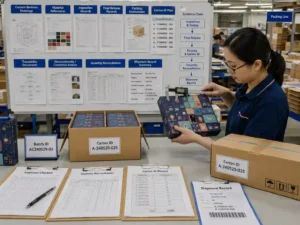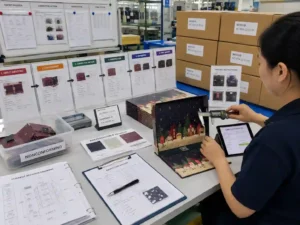
Managing unique artwork every drawer or door requires a controlled artwork system rather than separate unconnected files. Each drawer, flap, or perforated door should be mapped to the correct dieline area, artwork layer, color reference, and approval record. The practical approach is to use structured file naming, locked templates, preflight checks, and physical sample verification before production. This reduces numbering errors, misplaced graphics, color variation, and incorrect finishing applications.
How Should Unique Artwork Every Drawer Be Organized Before Production?
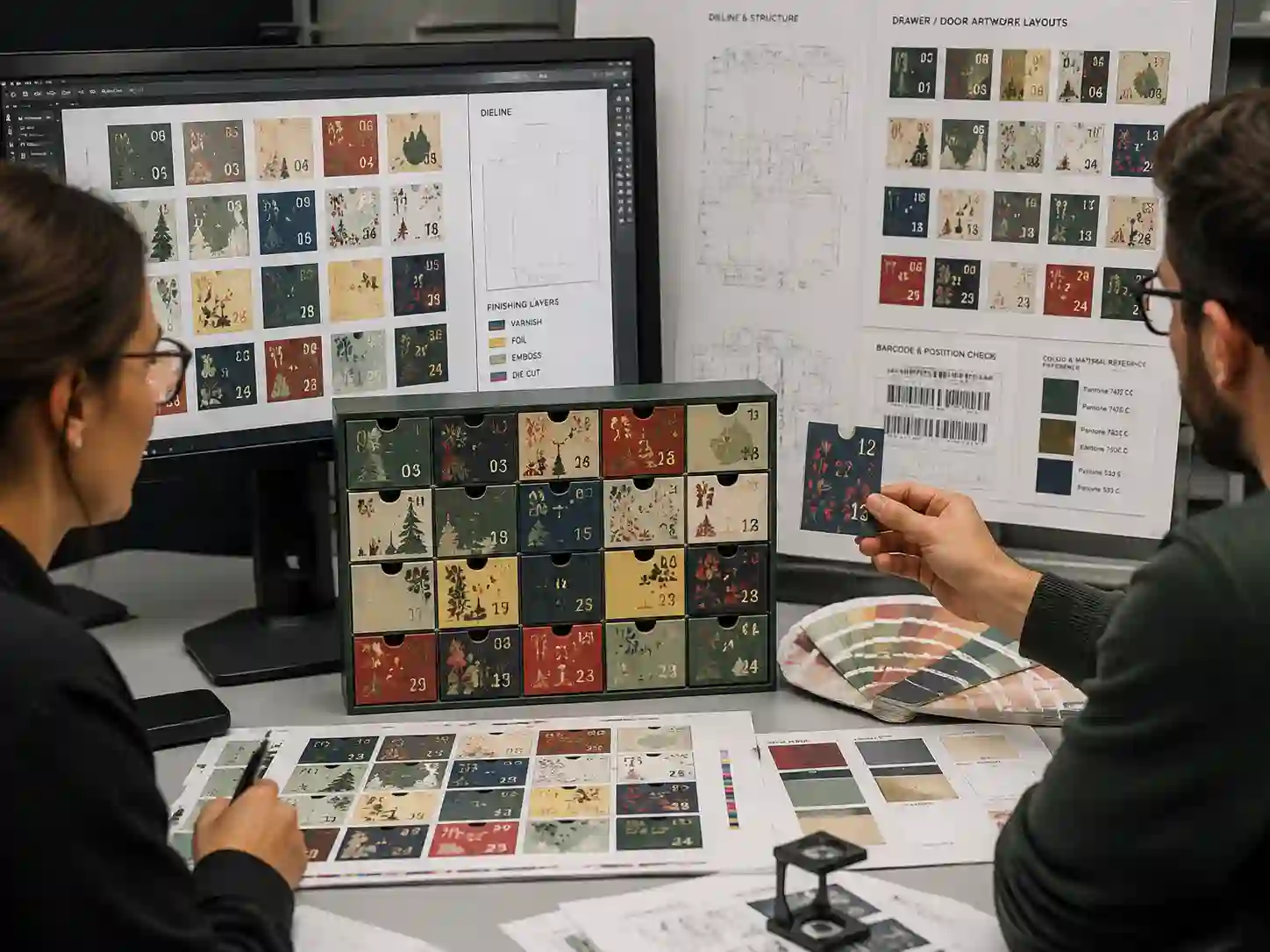
Each drawer or door should have a defined artwork position linked to the packaging structure. The safest method is to create one master dieline file containing all panels, compartments, doors, or drawer fronts, then assign artwork layers according to the physical layout.
A typical artwork control structure includes:
- Dieline layer: cut lines, crease lines, perforation areas, and structural references.
- Artwork layer: printed graphics assigned to each drawer or door position.
- Text layer: numbers, multilingual copy, product information, and regulatory details.
- Finishing layer: foil, embossing, spot UV, varnish, or special effects.
- Reference layer: notes for barcode position, orientation, and production instructions.
For complex advent calendar formats, packaging teams often connect each artwork area with an internal reference such as Drawer 01, Door 02, or Panel A. The naming system should remain consistent between design files, proof records, and supplier communication.
What File Setup Prevents Artwork Being Placed on the Wrong Drawer?
A structured file setup prevents individual drawer graphics from being mixed during prepress preparation. The key is to separate design intent from production conversion requirements.
Should every drawer have its own artwork file?
Not always. Project requirements vary. Some projects are easier to control with one complete artwork file showing all drawer positions, while others may require separated files for each door or compartment. The choice depends on the number of variations, finishing complexity, and supplier workflow.
| Artwork control item | Recommended check | Evidence to keep |
|---|---|---|
| Drawer or door position | Match artwork reference to dieline location | Approved dieline with position labels |
| Color consistency | Confirm CMYK values and spot colors | Color proof or approved reference |
| Text and numbers | Check orientation, language, and safe areas | Preflight checklist |
| Finishing effects | Confirm layer separation and placement | Finishing approval file |
Before production release, buyers should confirm which file version is the approved master. This approval record helps prevent outdated drawer artwork from being used during printing.
How Do You Check Safe Areas and Tolerances for Different Drawer Graphics?
Different artwork on multiple drawers must account for printing and converting tolerances. Graphics placed too close to edges, folds, perforations, or drawer openings may shift or become partially hidden after assembly.
Important checks include:
- Keeping important text, numbers, and logos inside the defined safe area.
- Avoiding critical artwork across crease lines or cutting zones.
- Reviewing drawer front alignment after folding and assembly.
- Confirming that barcode areas remain readable after production conversion.
The required tolerance allowance varies by structure, board material, printing method, and finishing process. These values should be confirmed through the approved dieline and physical sample rather than assumed from artwork alone.
How Should Color Be Controlled When Every Door Uses Different Artwork?
Multiple drawer designs increase the need for consistent color management because each section may contain different images, backgrounds, and finishing effects.
Practical controls include:
- Using the same color profile and production specifications across all artwork sections.
- Separating CMYK artwork from spot color references when required.
- Reviewing printed proofs for major color-sensitive areas.
- Recording approved color references before bulk production.
Verifiable evidence may include color proofs, approved sample sheets, Pantone references, and supplier preflight records. Final acceptance criteria depend on the project specification agreed before production.
What Preflight Checks Are Needed Before Approving Multi-Artwork Calendars?
A preflight review confirms that every artwork variation is technically ready before files move into production.
Multi-drawer artwork preflight checklist
- All drawer and door positions match the approved structural drawing.
- Artwork versions are clearly named and revision controlled.
- Bleed and safe areas are applied consistently.
- Fonts are converted or packaged correctly.
- Images meet required resolution standards.
- Barcode locations are checked against the physical structure.
- Multilingual copy has been reviewed and approved.
- Finishing layers match the approved specification.
For projects involving seasonal packaging, Giftpackpro supports artwork preparation through custom advent calendar box services and structured production communication. The goal is to make artwork approval traceable from digital files through physical packaging checks.
How Do Sampling and Production Checks Confirm Artwork Accuracy?
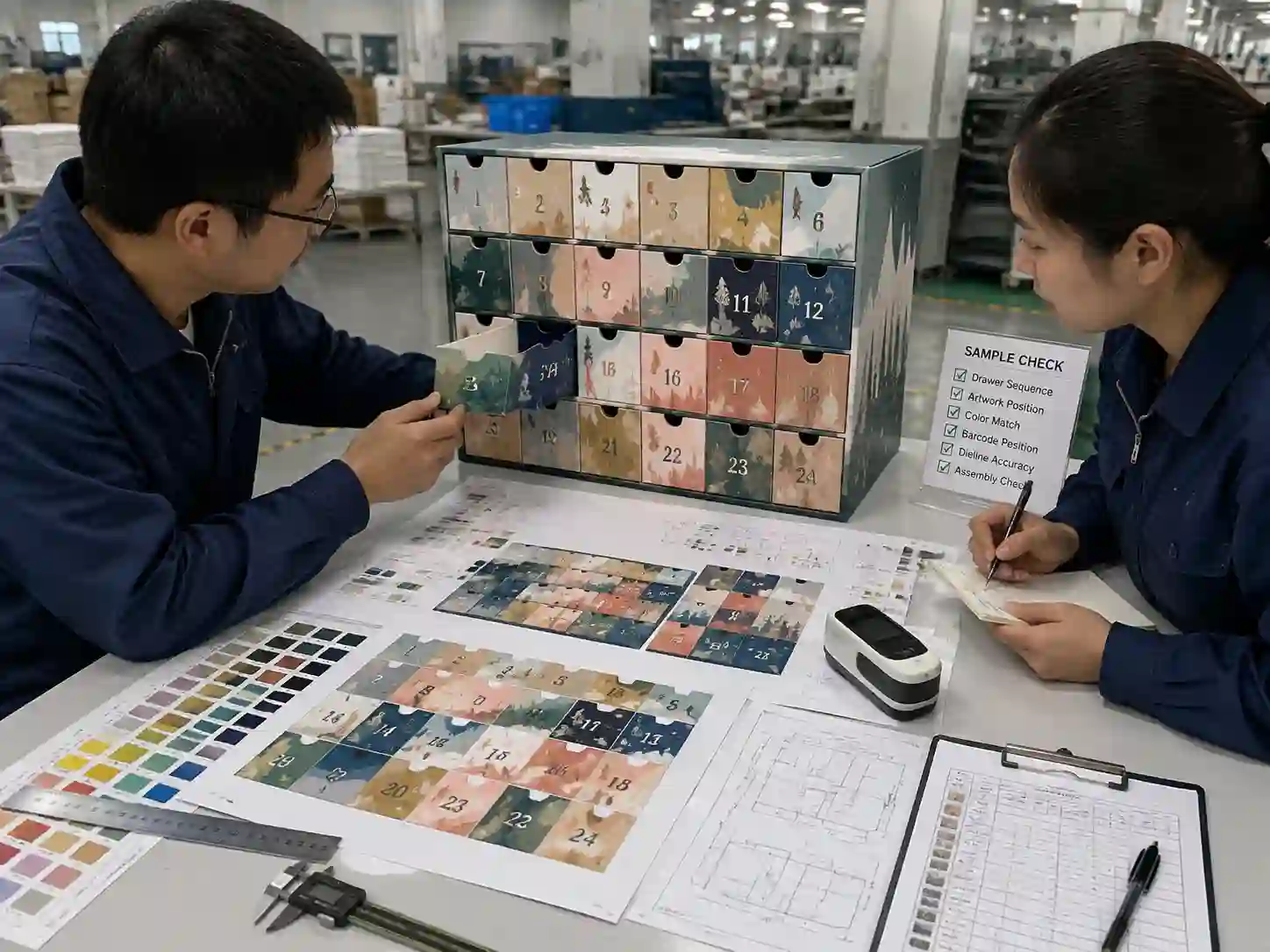
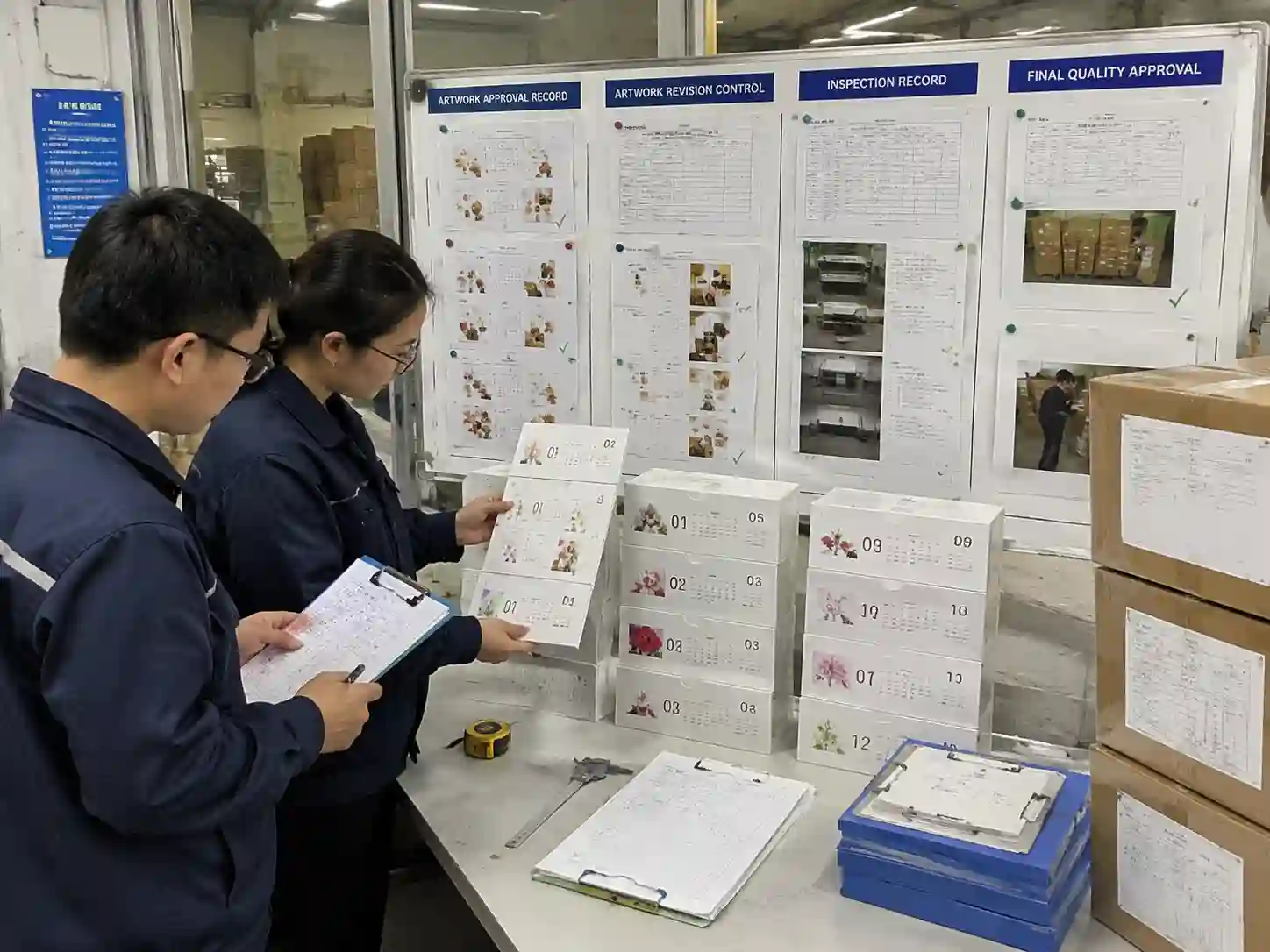
A physical sample is the practical verification step because digital files cannot fully show folding, drawer alignment, perforation behavior, or finishing results.
During sample review, teams should compare:
- Drawer or door sequence against the approved artwork map.
- Printed graphics against the approved color references.
- Number placement and multilingual text visibility.
- Finishing alignment and surface effects.
- Structural movement that may affect visible graphics.
The approved sample, artwork file, and inspection notes should form one reference package before production release.
What Common Problems Occur When Every Drawer Has Different Artwork?
The most common problems come from file management gaps rather than printing capability. Typical risks include incorrect artwork versions, swapped drawer graphics, missing finishing layers, and inconsistent color treatment.
- Wrong position: Artwork is assigned to the wrong drawer or door because references are unclear.
- Missing elements: Numbers, barcodes, or required copy are removed during file preparation.
- Color differences: Separate artwork files are processed with inconsistent color settings.
- Revision confusion: Old files remain available after approval changes.
A controlled approval process using drawings, production samples, and inspection records helps buyers reduce these risks.
Frequently Asked Questions
Can each advent calendar door have completely different artwork?
Yes, but the artwork system must clearly map each design element to its physical location. The complexity depends on the number of variations and production requirements.
Should numbers be added before or after artwork approval?
Numbers should be included in the approved artwork review because their position affects safe areas, perforation placement, and final appearance.
How do buyers verify that suppliers printed the correct drawer artwork?
Verification is normally based on approved artwork files, physical samples, inspection records, and comparison against the production reference package.
For custom seasonal paper packaging projects requiring controlled artwork variation, you can review Giftpackpro’s custom advent calendar box products or request a custom quote with your artwork requirements.