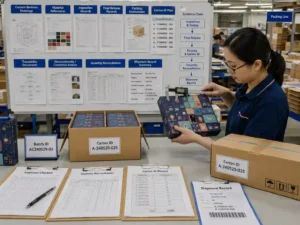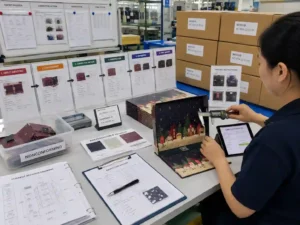
Quick answer: Checking image resolution at final printed size means verifying the effective resolution of every raster image after it has been scaled inside the production artwork. A file that appears sharp on screen may print poorly if enlarged beyond its original resolution. During artwork preflight, review effective PPI, image scaling, linked files, and proof outputs before approving production. Resolution checks should always be documented alongside other prepress verification records.
Why do packaging image resolution requirements matter at final printed size?
Packaging image resolution requirements should always be evaluated at the artwork’s final production dimensions. The image resolution embedded in the original file is only part of the picture. Once an image is enlarged or reduced inside the packaging layout, its effective resolution changes.
For advent calendar packaging, large front graphics, decorative backgrounds, product photography, and premium finishes often make image quality highly visible. Soft or pixelated graphics can become obvious after offset or digital printing, especially on rigid boxes with smooth coated surfaces.
Checking effective resolution during preflight helps identify problems before proofs or production samples are created.
Which images require the closest inspection?
Not every graphic carries the same production risk. Focus first on raster images that customers will notice immediately.
| Artwork element | Typical review priority | What to verify |
|---|---|---|
| Hero product photography | Very high | Effective resolution after scaling |
| Lifestyle background images | High | Cropping, enlargement, visible softness |
| Textures and decorative graphics | Medium | Fine detail remains sharp |
| Logos supplied as raster files | High | Consider replacing with vector artwork |
| QR codes and barcodes | Critical | Use vector artwork whenever possible and confirm scan performance separately |
Vector graphics such as logos, icons, dielines, and text generally scale without losing quality. Raster images require much closer attention.
How do you verify effective resolution instead of original resolution?
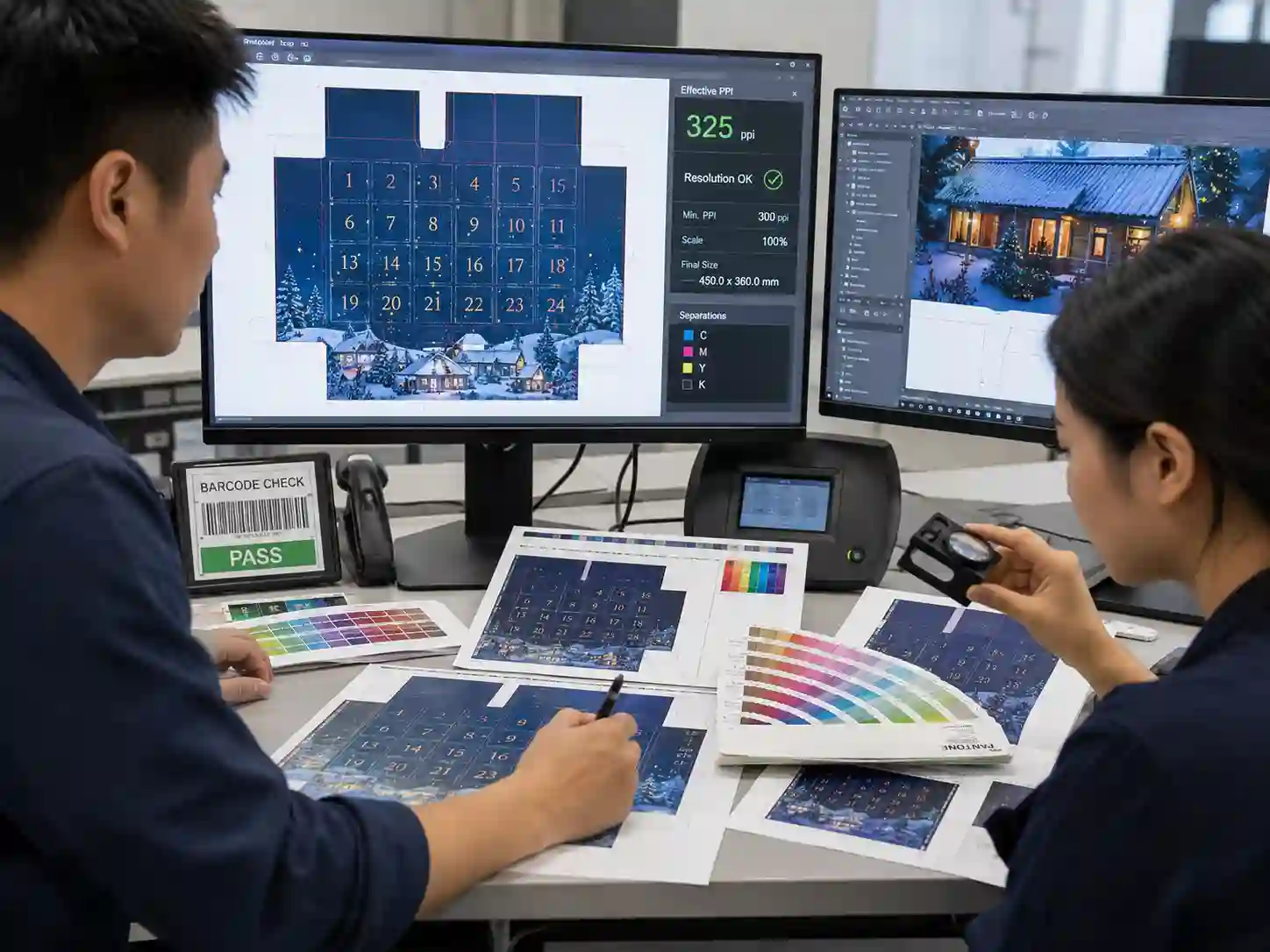
The effective resolution shown in your layout software is the value that matters for printing. It reflects the image after scaling inside the final artwork.
For example:
- An image placed at 100% keeps its original resolution.
- An image enlarged to 200% effectively loses half of its resolution.
- An image reduced to 50% effectively doubles its resolution.
During artwork review, prepress teams typically inspect:
- Effective PPI rather than only embedded PPI.
- Scaling percentage.
- Linked image status.
- Missing or modified links.
- Unexpected image compression.
These checks are normally completed together with dieline verification, artwork layers, bleed, safe areas, and color preflight.
What resolution values are commonly reviewed?
The exact specification depends on the printing process, substrate, viewing distance, screening method, and customer requirements. Rather than relying on a single universal number, suppliers should confirm project specifications before artwork approval.
| Artwork type | Typical review approach | Project-dependent considerations |
|---|---|---|
| Large photographs | Review effective resolution | Large enlargements may require replacement images |
| Fine texture graphics | Inspect proof carefully | Coated stocks reveal softness more easily |
| Small product images | Zoom and proof review | Visible sharpening artifacts may appear |
| Decorative backgrounds | Check gradients and detail | Compression artifacts may become noticeable |
Supplier preflight reports should record any image that falls outside the agreed project specification for buyer review.
Which preflight checklist helps identify resolution problems?
A structured preflight checklist reduces the chance of low-resolution images reaching production.
Image resolution preflight checklist
- Confirm artwork is viewed at final printed size.
- Review effective resolution for every raster image.
- Identify enlarged images with excessive scaling.
- Replace screenshots or web-resolution graphics when necessary.
- Confirm all linked files are current.
- Verify that image compression has not reduced quality.
- Inspect proofs at 100% viewing where appropriate.
- Document any approved exceptions.
Many commercial preflight applications automatically flag low-resolution images, but manual review remains valuable for visually important graphics.
How can image quality be verified before production?
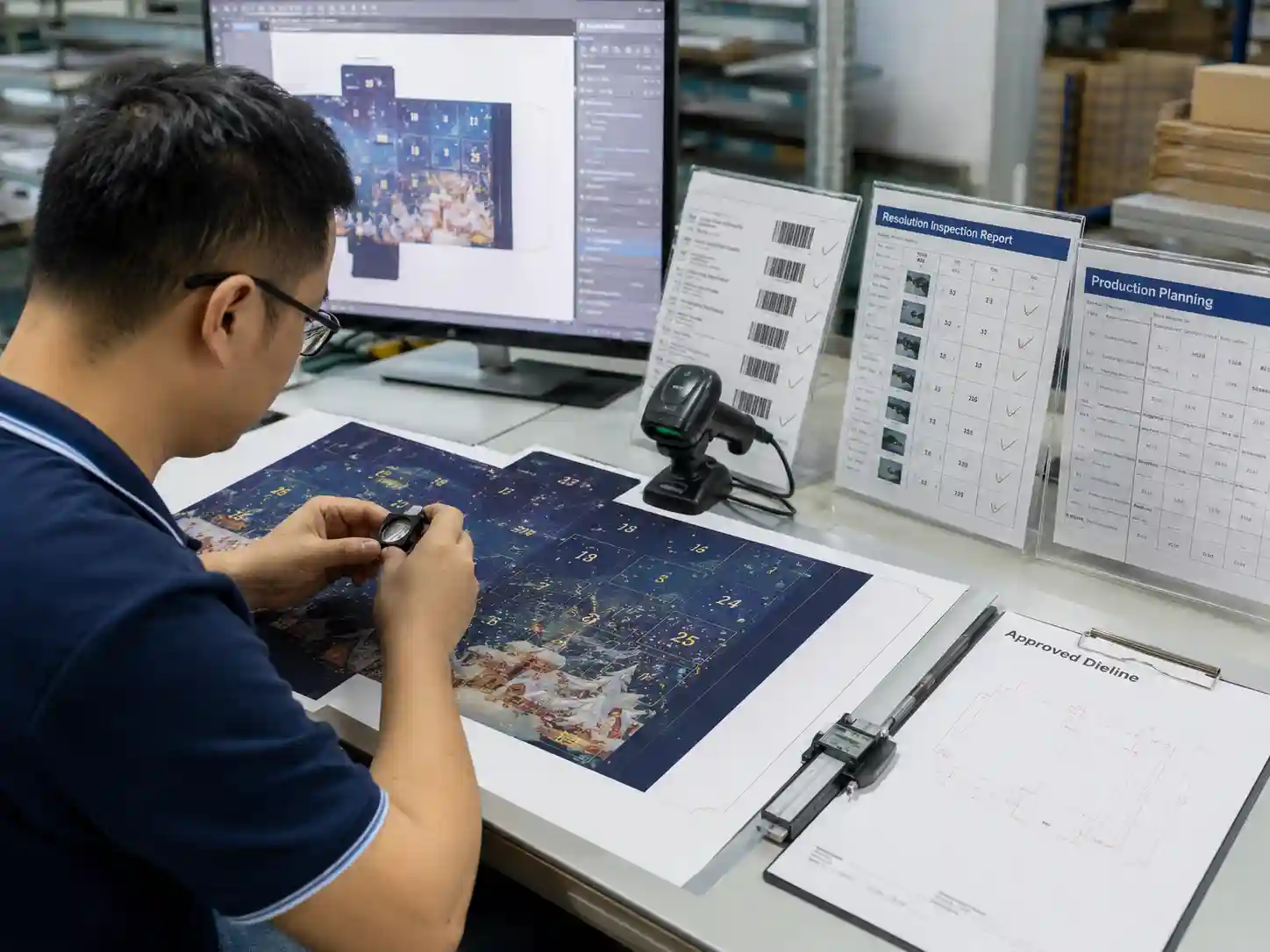
Resolution should never be judged only from a computer monitor. Verification normally combines software inspection with physical evidence.
Typical verification methods include:
- Automated preflight reports.
- Production-ready PDF inspection.
- Printed contract proofs where applicable.
- Engineering sample review.
- Cross-checking revision-controlled artwork files.
If replacement photography is supplied after initial approval, the updated file should undergo another preflight review before production proceeds.
What should buyer approval records include?
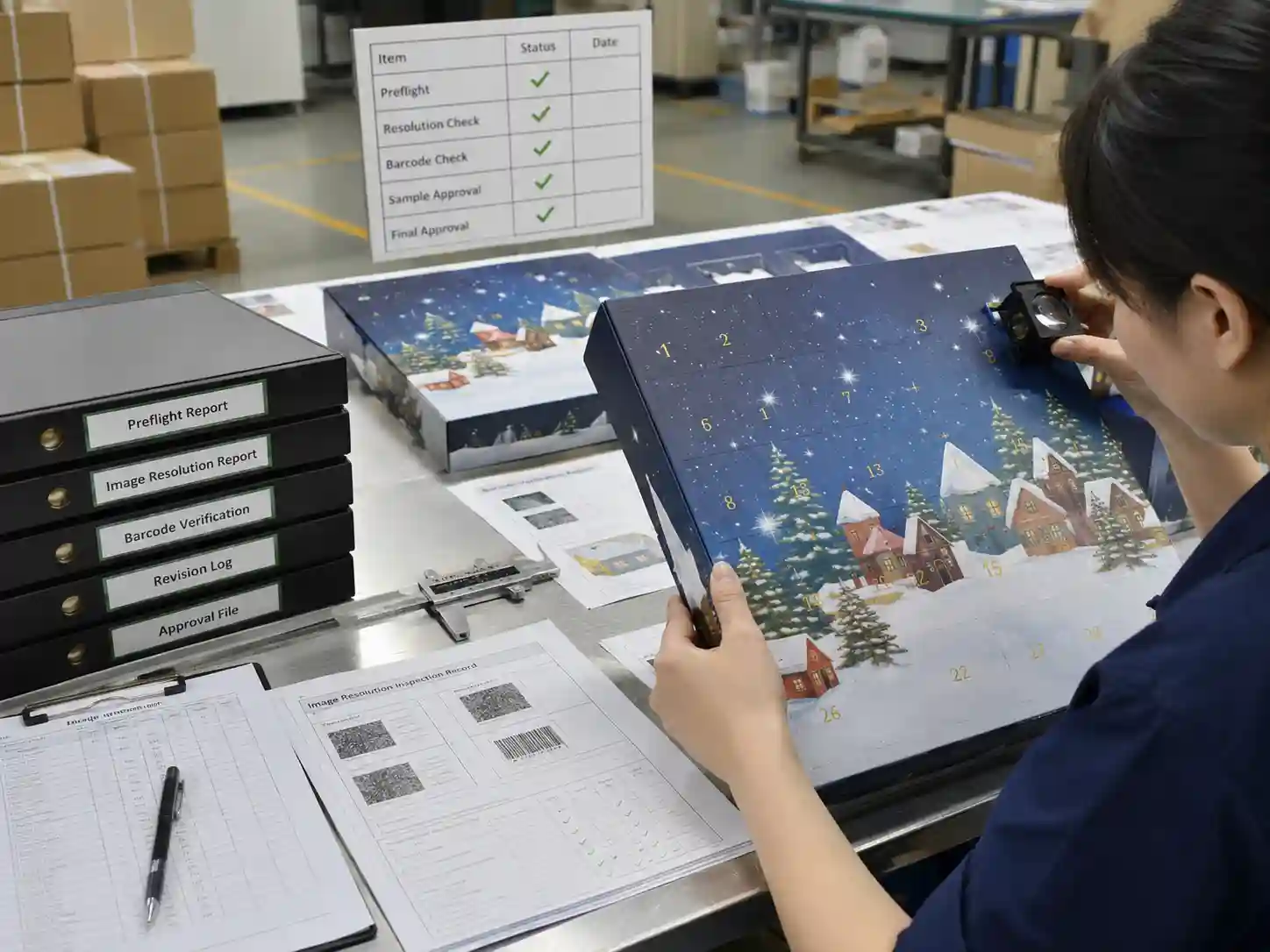
A documented approval process helps distinguish supplier verification from customer decisions.
Example approval record
| Item | Supplier verification | Buyer approval |
|---|---|---|
| Effective image resolution reviewed | ✓ | |
| Linked image status confirmed | ✓ | |
| Updated photography received | ✓ | |
| Printed proof accepted | ✓ | |
| Resolution exceptions accepted | ✓ |
Maintaining revision history makes it easier to demonstrate which artwork version was approved before printing.
What issues commonly cause resolution failures?
Several recurring problems appear during packaging preflight:
- Images copied from websites instead of original photography.
- Screenshots placed into production artwork.
- Raster logos enlarged instead of using vector originals.
- Compressed images exported multiple times.
- Late artwork revisions replacing approved high-resolution files.
- Incorrect links after file packaging or transfer.
Most of these issues are discovered during routine prepress inspection rather than during printing.
Frequently asked questions
Should every image use the same resolution?
No. Suitable image quality depends on the printing process, image content, substrate, screening method, and agreed production specification. Effective resolution should always be evaluated within the complete print workflow.
Can sharpening fix a low-resolution image?
Sharpening may improve on-screen appearance but cannot recreate missing image detail. Replacing the original image is usually the better solution.
Should QR codes be supplied as images?
Whenever possible, QR codes and barcodes should remain vector artwork to preserve edge definition and scanning reliability.
When should resolution be checked?
Resolution should be verified during artwork preflight before proofs, engineering samples, and final production approval.
Conclusion
Checking image resolution at final printed size is an essential prepress control rather than a simple file property. Reviewing effective resolution, image scaling, linked files, proof outputs, and documented approval records helps reduce avoidable artwork revisions and supports consistent print quality across custom advent calendar packaging projects.
If your team is preparing production artwork for seasonal packaging, explore our advent calendar box buying guides, learn more about our custom advent calendar box services, browse our custom advent calendar box products, or request a custom quote to discuss your next packaging project.